FAQ
In our FAQ, you'll find answers to our most commonly asked questions. Don't forget to check out our get started guide, and if you don't find an answer to your question just contact us :)
Yes. For the best user experience the tablet should have a screen size of at least 10 inches. We also recommend using an external Bluetooth keyboard as this simplifies the sign-in process. Please note that name badge printers are not compatible with iPad or Android tablets as Dymo Labelwriter software requires Windows or Mac OS. Printing (from Dymo Labelwriter Wireless) works with Windows-based tablets such as Microsoft Surface.
Install SignInSimply as an app
SignInSimply can be installed as a regular app which is opened from the home screen.
On an iPad
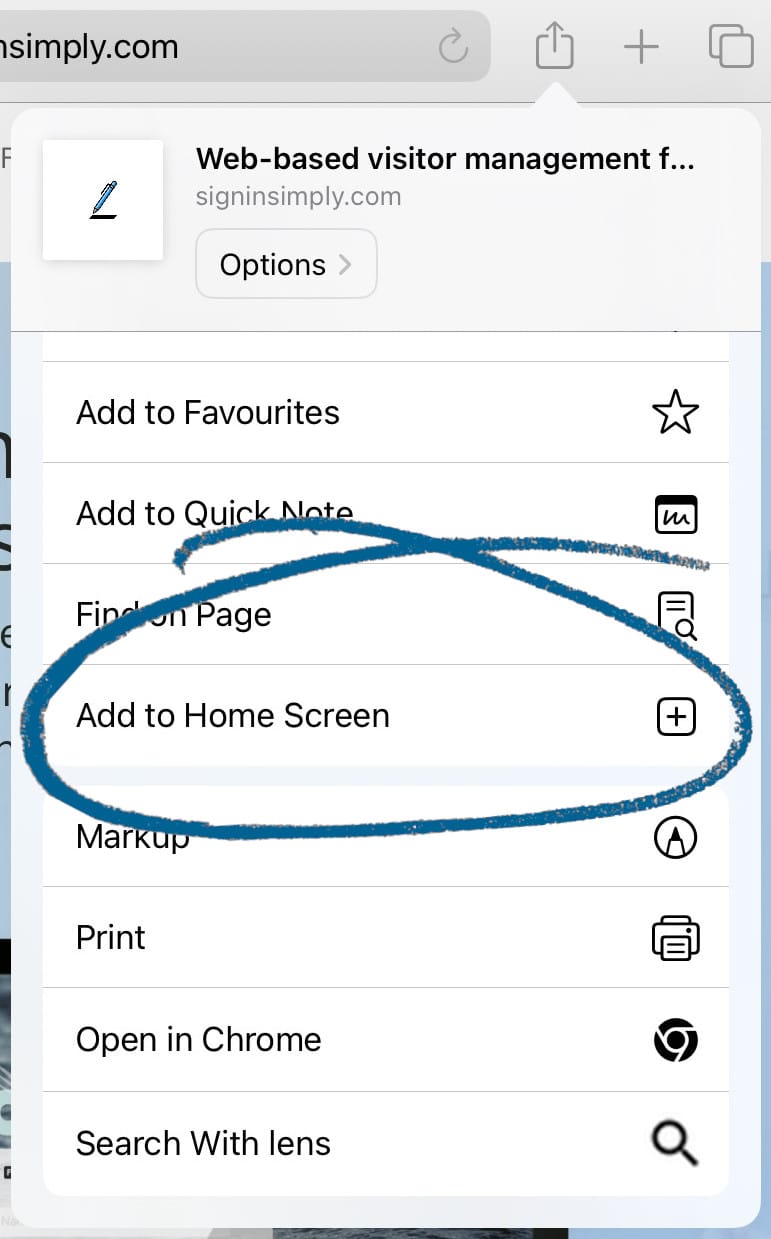
To install SignInSimply as an app on an iPad, visit it from the Safari browser and press the "Share or save" button, then press "Add to Home Screen". Now you can open the visitor management system from the home screen.
On Android
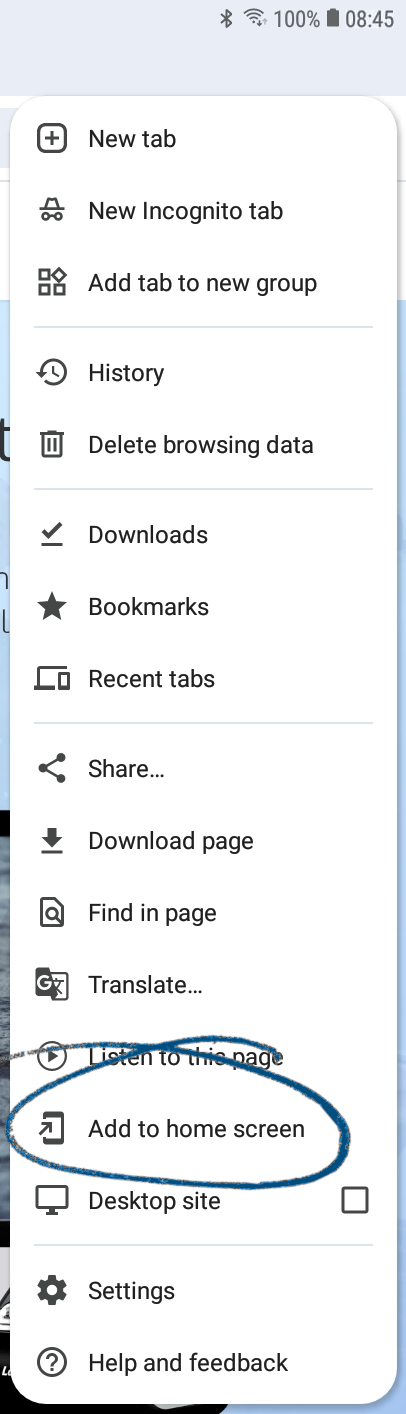
To install SignInSimply as an app on Android, visit it from the Chrome browser, press the three-dot menu button, then press "Add to home screen". Now you can open the visitor management system from the home screen.
SignInSimply supports Dymo LabelWriter series printers. LabelWriter printers and accessories are cost efficient, readily available and user-friendly. Dymo also provides an official cross-platform API which allows direct printing from web applications.
We currently recommend Dymo LabelWriter 450/550 or Dymo LabelWriter Wireless. Note that SignInSimply only works with the following labels, which need to be purchased separately from the printer:
- Small name badge 41 x 89mm (S0722560)
- Name badge 54 x 101mm (S0722430)
- Name badge cards 51 x 89mm (non-adhesive) (S0929100)
Dymo LabelWriter printers are available at most computer accessory and office supplies stores. Below are some examples. Note that SignInSimply only works with the labels in the list below, which need to be purchased separately from the printer:
SignInSimply is based on the latest web technology and only works with modern browsers. We have successfully tested SignInSimply with newer versions of Google Chrome, Microsoft Edge, Safari, Firefox and Opera.
Full screen support
Some browsers support true full screen, meaning the visitor management system's sign-in page can be shown without any menus or toolbars showing. The following browsers have been successfully tested in true full screen: Google Chrome and Opera.
Yes, SignInSimply has been built to meet GDPR requirements:
- By accepting the terms and conditions when creating an account, or by using the service, you automatically enter into a GDPR-adapted Data Processor Agreement with us.
- All customer data is stored and processed in compliance with GDPR guidelines and recommendations.
- The service is built to follow data protection by design and default principles, by ensuring that the system processes as little personal data as possible and that personal data is not shared with undisclosed third parties or exposed to unauthorized persons.
- The service applies all necessary technical security principles given the sensitivity of the personal data it processes.
- The service offers functionality for maintenance of personal data and automatic deletion of historical visitor data.
Please contact us for more information on our data security and how we comply with GDPR.
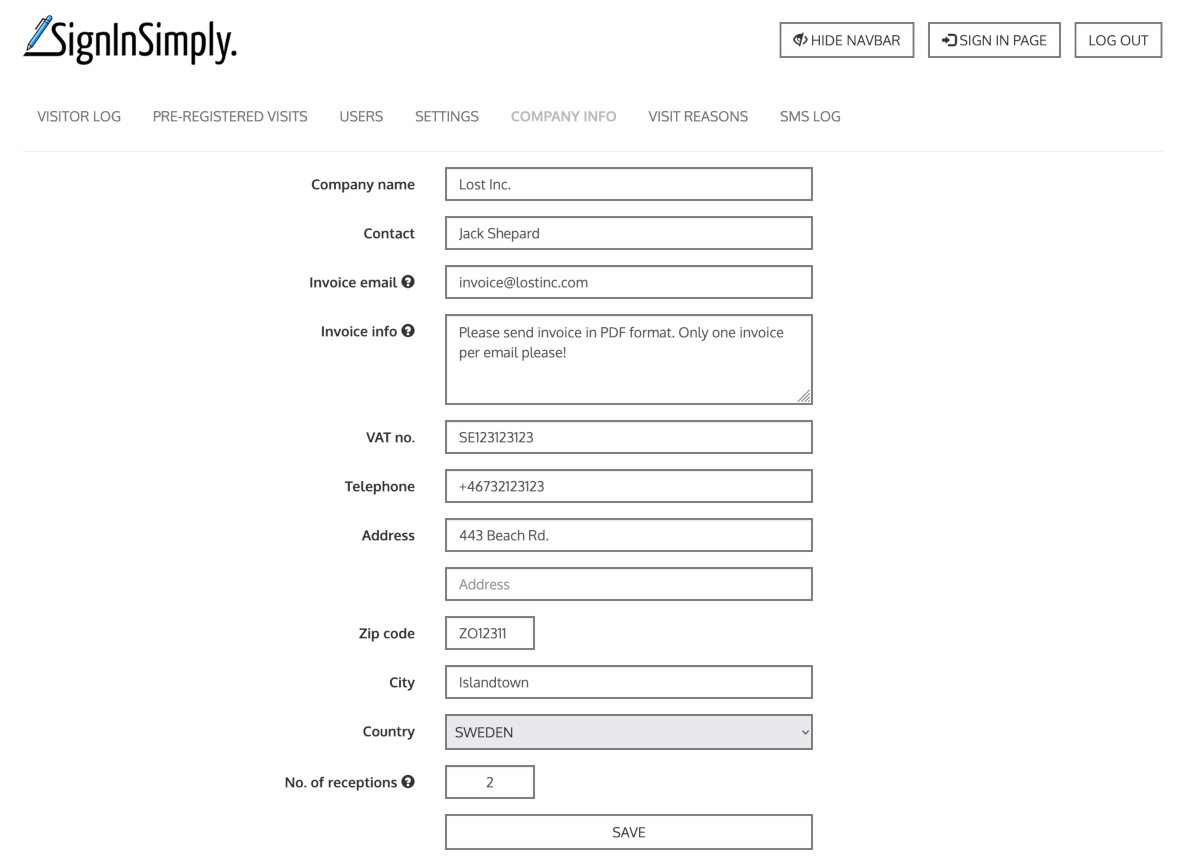
You can update your invoicing details under Administration → Company info. If you don't have access to the administration page to do this, please contact someone at your company with an administrator account in SignInSimply to help you.